Back to Blog
Finance2 min readAutoERP Team
Adjusting to the New Tax Rate
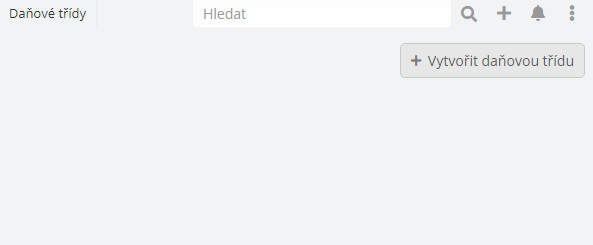
Adding a new tax rate to CRM: Go to your CRM URL and after the slash enter #TaxClass, for example: https://moje.crm.cz/#TaxClass. Then click the "Create tax class" button. Fill in the field for the rate name, for example: "Reduced rate 12". Fill in the numerical value of the tax rate, for example: 12.
Adding a new tax rate to CRM: Go to your CRM URL and after the slash enter #TaxClass, for example: https://moje.crm.cz/#TaxClass. Then click the "Create tax class" button. Fill in the field for the rate name, for example: "Reduced rate 12". Fill in the numerical value of the tax rate, for example: 12.
About the Author
AutoERP Team
Want to Learn More?
Schedule a free consultation and find out how AutoERP can help your business.
Get Free AI Audit